Last updated 2 October 2026
Privacy policy
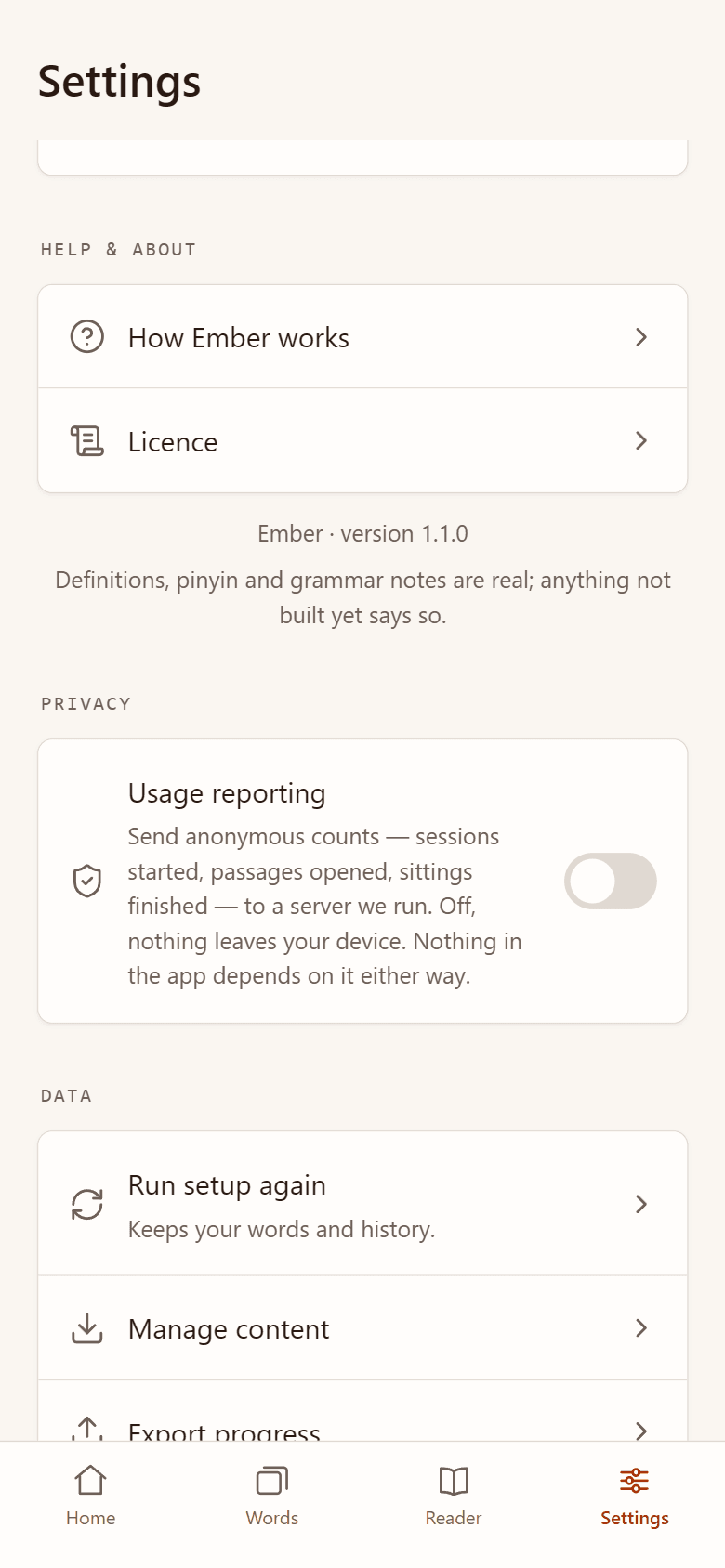
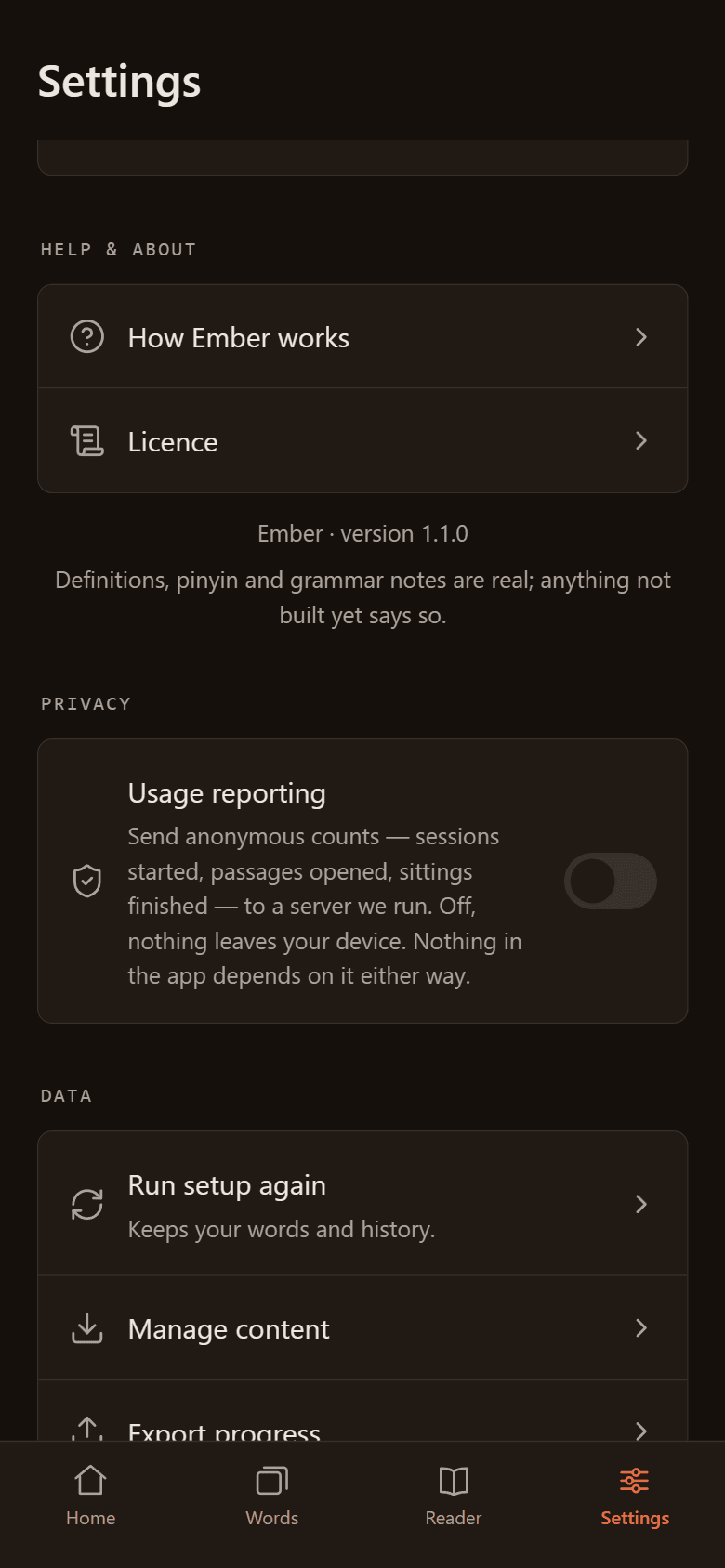
Short version: what you study stays on your device. There is no account, no advertising, no advertising ID and no third-party tracking in the app. The only thing that can ever be sent to us is a handful of anonymous usage counts, and only if you switch Usage reporting on in Settings → Privacy. It is off unless you turn it on.
What stays on your device
- Your cards, reading history, saved words, notes, settings and statistics are stored only on your device.
- Backups are files you export yourself (Settings → Data → Export progress). Where you keep them is up to you.
- Anki decks and word lists you import are processed on the device and never uploaded.
- Android's automatic backup to Google Drive is turned off for Ember, so it doesn't copy your data. To move to a new phone, export your progress (Settings → Data → Export progress) and restore the file there.
When the app goes online
Ember works offline. It connects to the internet only for two things, and each one needs you to act first:
- Updating the dictionary. The CC-CEDICT dictionary comes built into the app. If you ask for a newer release, the app downloads it directly from its publishers, at
www.mdbg.netorcc-cedict.org. Like any website, those servers see your IP address when you download. The app sends them nothing else, and their own privacy terms apply. This is the only third party the app talks to. - Usage reporting, if you switch it on. Described below.
Usage reporting (optional, off by default)
If you turn on Settings → Privacy → Usage reporting, the app sends us a few counts so we can see whether features like the daily reading limit help people study. This is the complete list of what can be sent. Anything not listed here is never sent.
Every report carries:
- the name of the event (one of the four below);
- the date and time it happened on your device;
- the app version;
- an install ID: a random number created by the app when you switch reporting on. It isn't derived from your phone, your Google account or any hardware ID. Switching reporting off deletes it; switching back on creates a new, unrelated one.
And, depending on the event:
- App opened: nothing more.
- Reading opened: the passage's level (a number), and whether it counted as one of today's new readings.
- Daily reading limit reached: nothing more. Not which passage, not its level.
- Review session finished: how many cards you reviewed, how many minutes it took, and how many you answered Forgot, Hard, Good and Easy.
Never sent: the words, characters or passages you study, your notes, your answers to a specific card, your name, your email, your contacts, your location, an advertising ID or any device identifier.
Where it goes. To telemetry.emberzi.com, a server we run ourselves with Umami, an open-source, cookieless analytics tool. No other company receives these reports, and we do not sell or share them.
What the server works out. When a report arrives, the server uses your IP address to look up your country (never your region or city). The request also carries the app's user agent, but the server reads nothing useful from it; the app version comes from the report itself. The IP address itself is not stored with the reports. To tell one visit from another, Umami hashes your IP address, the user agent, a salt that changes every month and the install ID. Only the result is kept, never the IP address.
How long we keep it. Usage reports are deleted after 13 months. The server's technical access logs, which do include IP addresses and exist to keep the server secure, are deleted after 7 days.
Your choice. We only send usage reports because you agreed to it by switching them on. Switch them off at any time: sending stops immediately, anything not yet sent is thrown away on the device, and your install ID is deleted, so if you switch back on later, nothing links the new reports to the old ones. Nothing in the app works differently either way.
App permissions
- Internet: for the two uses above.
- Network state (shown by Google Play as "view network connections"): lets the app check whether it is online.
- Vibration: for haptic feedback while you study.
Deleting your data
- On your device: Settings → Reset all progress erases your cards, history, words and settings. Uninstalling the app removes everything it stored. Backup files you exported are yours to delete.
- Usage reports: they carry no name or contact details, only a random install ID the app doesn't show, so we can't tell which reports are yours. That is by design. Switching reporting off stops new ones, and the old ones are deleted after 13 months.
This website
The site sets no cookies. We count page views with a self-hosted, cookieless Umami. It records the page, the referring site, your browser, operating system, device type, screen size, language and country, but not your IP address. Our web server keeps standard technical logs for security, deleted after a short period.
Children
Ember does not ask for names, email addresses or any other contact details from anyone, including children.
Credits
- Dictionary: CC-CEDICT, licensed CC BY-SA 4.0.
- Example sentences: Tatoeba, licensed CC BY 2.0 FR.
Who we are
Controller: [name and postal address to be added].
[Server and backup location, and the safeguard for transfers outside the EEA, to be added.]
Contact
Questions about this policy or your data: hello@emberzi.com.
Changes
If what Ember collects ever changes, for example a new usage report or optional sync, we will update this page before the change ships and change the date above.